
Casino Report by Player-Game
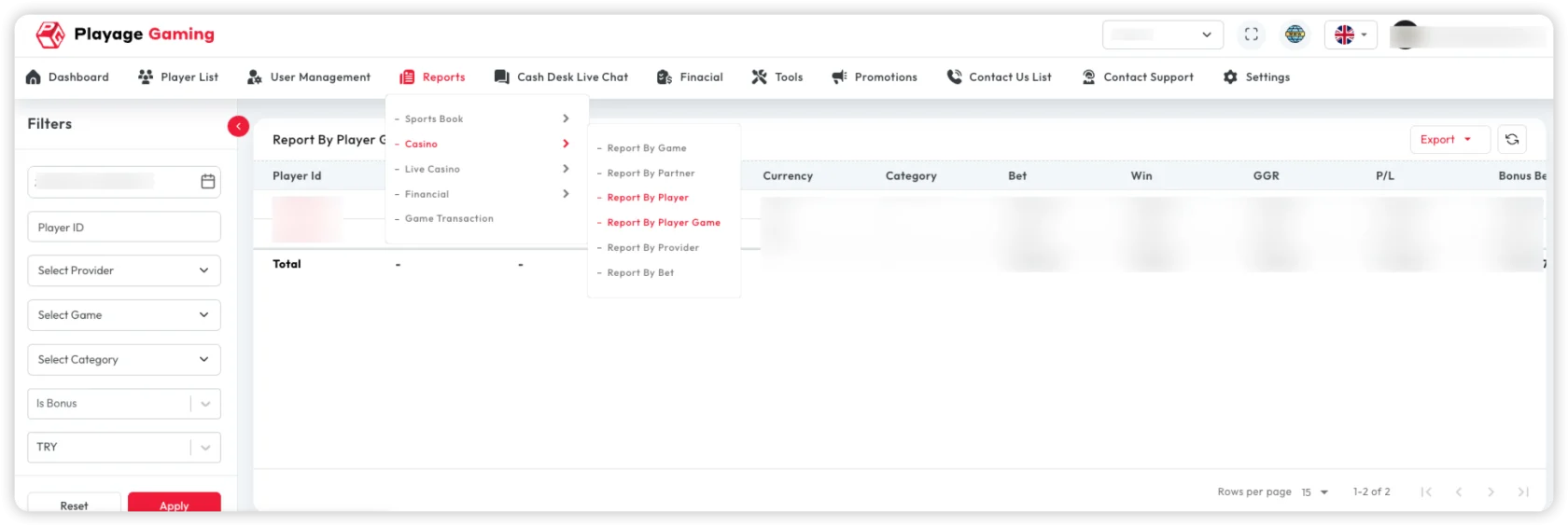
Use this report to analyze each player's activity per game.
Interface Reference
Purpose
- Detect player-game concentration risks
- Identify high-value player preferences
- Compare game performance across player segments
Steps
- Open Reports > Casino > Report by Player-Game.
- Apply player, game, provider, and date filters.
- Review bet/win/margin at player-game row level.
- Export focused slices for fraud/risk/operations review.
Key Metrics
- Bet count per player-game pair
- Turnover and payout
- Net result and margin
- Engagement concentration
Export
- Use CSV/XLS for model or audit workflows.
- Export after confirming column and filter selections.
Troubleshooting
- Too many rows: filter by player segment or specific games.
- Mismatch with player report: align included statuses and date window.
- No data: remove restrictive combined filters.
Best Practice
Use this page when player-level spikes need root-cause at specific game level.