
System Maintenance Overview
Use this page to plan and execute controlled maintenance windows.
Interface Reference
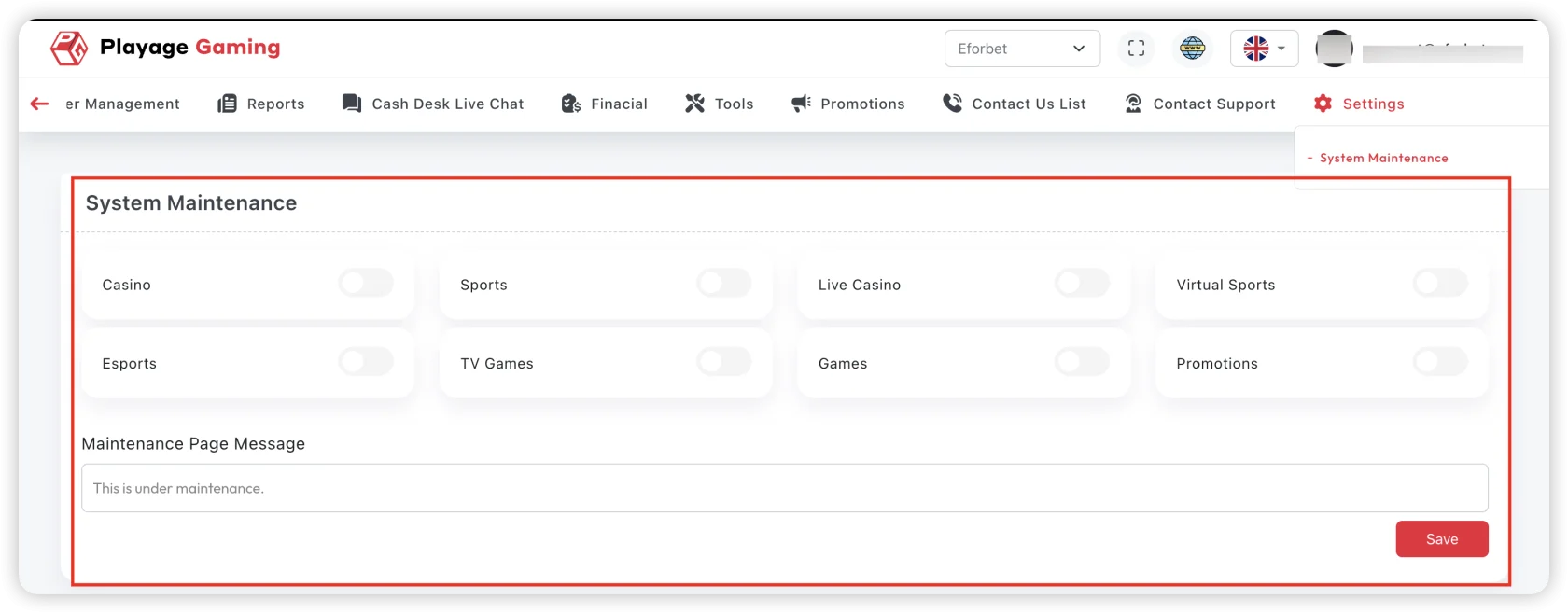
Purpose
- Protect system integrity during upgrades/fixes.
- Communicate downtime clearly to users and teams.
- Ensure safe start and safe rollback path.
Maintenance Execution Flow
- Define scope (services/pages/regions affected).
- Set start/end time and timezone.
- Publish maintenance notice.
- Enable maintenance mode.
- Perform planned changes.
- Run post-change health checks.
- Disable maintenance mode and verify user access.
Pre-Maintenance Checklist
- Backup/rollback plan ready.
- Stakeholders informed.
- Monitoring dashboard active.
- On-call owners assigned.
Post-Maintenance Validation
- Login and critical flows work.
- Payment and support channels are operational.
- Error rate and latency normalized.
Troubleshooting
- Maintenance stuck enabled: verify mode toggle and cache propagation.
- Users still blocked after close: clear edge cache and confirm region flags.
- Unexpected error spike: trigger rollback decision process.
Best Practice
Prefer low-traffic windows and always execute a short post-maintenance observation period.