
Logout
Use this flow to close admin sessions safely and avoid unauthorized reuse.
Interface Reference
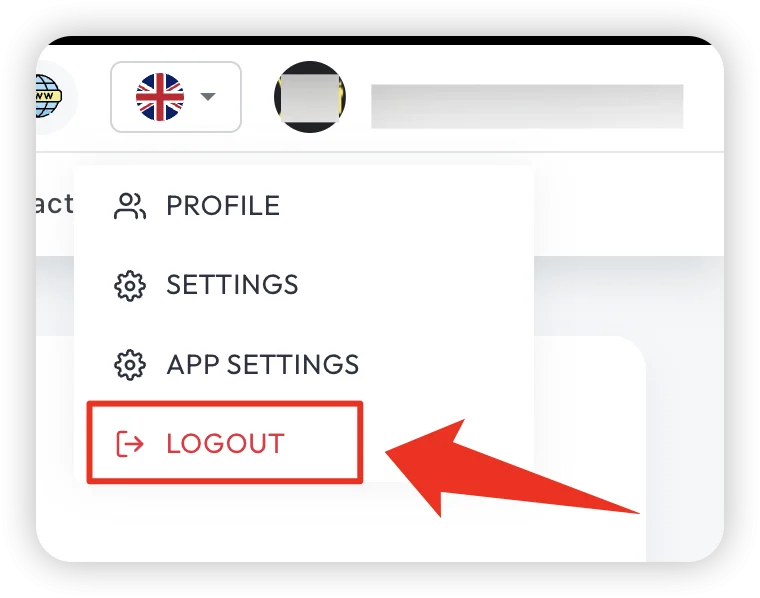
Purpose
- End active session securely.
- Prevent access from shared or unattended devices.
- Ensure clean transition between admins on operational machines.
Logout Flow
- Open profile/menu area.
- Click Logout/Sign Out.
- Confirm action (if confirmation modal appears).
- Verify redirect to login page.
Post-Logout Validation
- Back button does not reopen authenticated pages.
- Refreshing old BO URL requires login.
- Session token is invalidated.
Troubleshooting
- Still logged in after logout: clear browser cache/cookies and retry.
- Redirect loop to dashboard: verify session token invalidation.
- Multiple tab issue: close all open BO tabs after sign out.
Best Practice
Always logout before leaving your workstation, even for short breaks.