
Financial Payments by Region
Use this report to compare payment performance across regions/countries.
Interface Reference
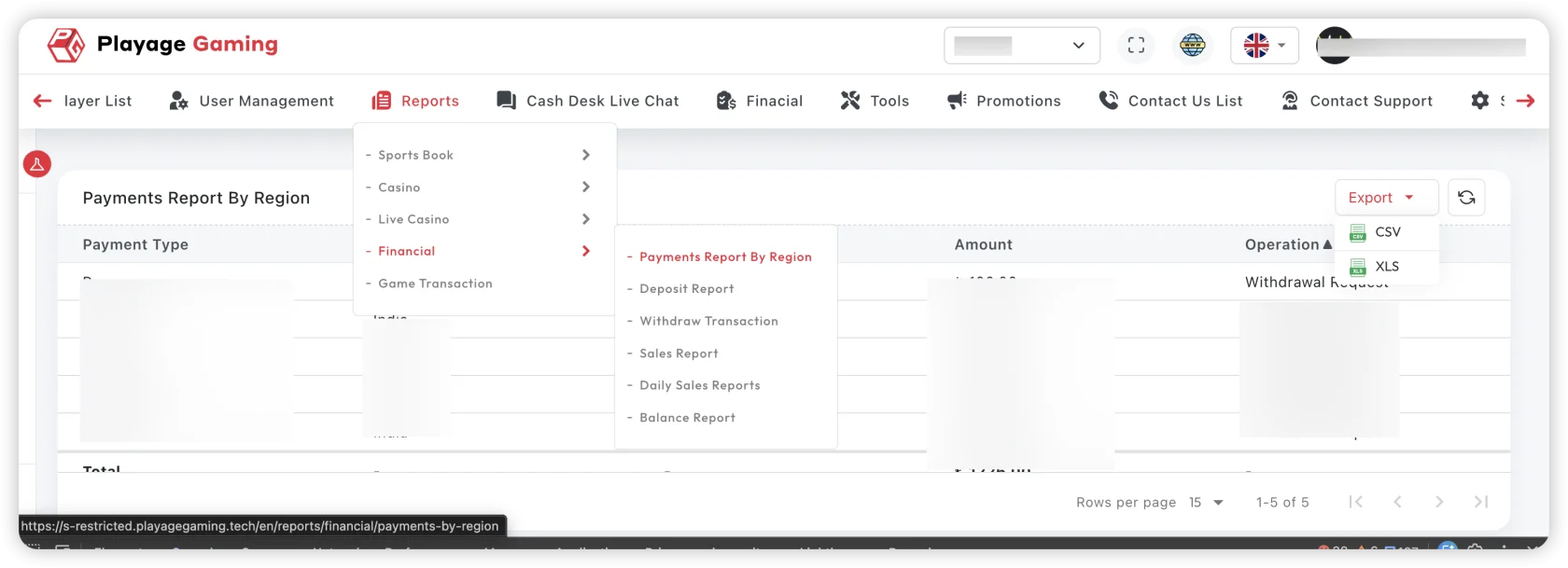
Purpose
- Identify strong and weak regional payment performance.
- Detect regional anomalies in payment flow.
- Support region-specific risk and operations planning.
Steps
- Open Financial Reports > Payments by Region.
- Select date range and payment method filters.
- Apply region/country filters.
- Review totals and region-wise comparison.
- Export selected view for finance review.
Key Metrics
- Total payment amount per region
- Transaction count
- Success/failure ratio
- Net settlement trend
How to Read This Report
- High volume + low success ratio usually indicates provider or compliance friction.
- A sudden regional drop should be compared with prior 7-day and 30-day windows.
- Compare same weekday ranges to reduce traffic pattern noise.
Troubleshooting
- Region data missing: verify role scope and region filters.
- Mismatch with global totals: check if all payment methods are included.
- Unexpected spike/drop: validate timezone and maintenance window overlaps.
Best Practice
Create a weekly baseline export per major region and compare against current week.