
Deposit Report: View and Export
Use this report to monitor incoming deposit transactions and conversion quality.
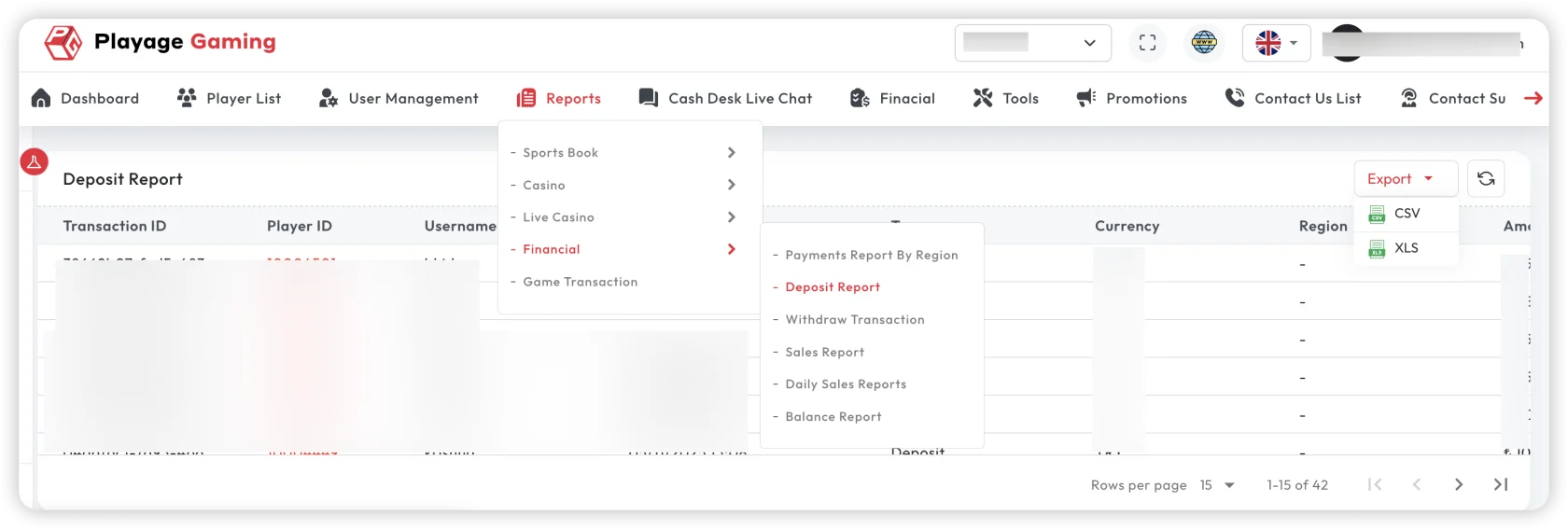
Interface Reference
Purpose
- Track deposit volume and success trends.
- Validate settlement consistency by provider/method.
- Export deposit data for audit and reconciliation.
Steps
- Open Financial Reports > Deposit Report.
- Choose date range, currency, status, and provider filters.
- Apply filters and review summary values.
- Inspect failed or pending transactions.
- Export as CSV/XLS/PDF based on use case.
Key Metrics
- Deposit count
- Gross deposit amount
- Success/failure/pending breakdown
- Average deposit size
Export Guidance
- Use CSV/XLS for reconciliation and pivot analysis.
- Use PDF for management snapshots.
- Save filter context with exported file name.
Troubleshooting
- Low conversion: review failure reasons by method/provider.
- Pending too high: check settlement delay from gateway.
- Export mismatch: refresh, re-apply filters, then export again.
Best Practice
Review failed deposits daily and correlate with provider incidents.