
Game Transaction Report
Use this report to review game-related financial transactions at transaction level.
Interface Reference
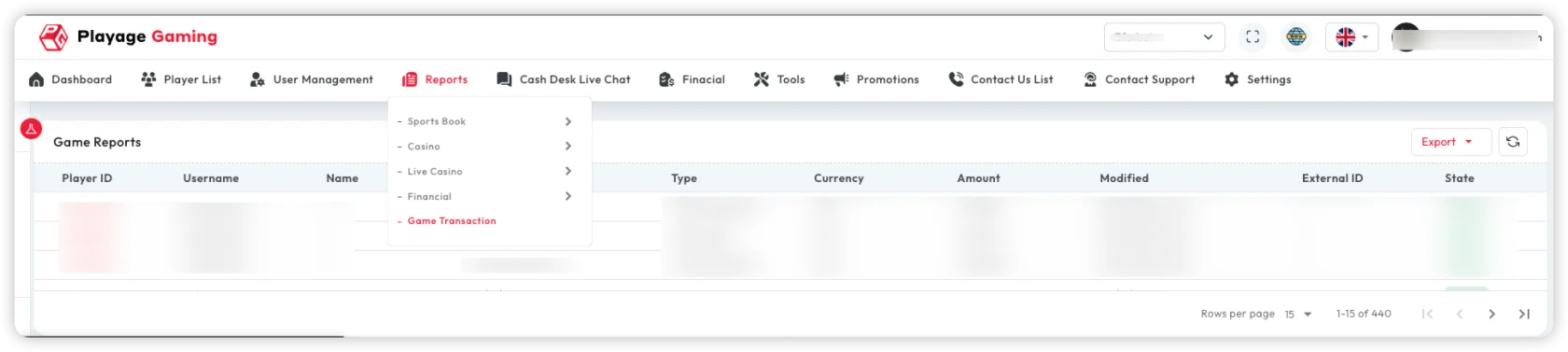
Purpose
- Monitor game transaction flow and value distribution.
- Investigate game-level transaction anomalies.
- Support operations, risk, and finance investigations.
Steps
- Open Financial Reports > Game Transaction Report.
- Apply game, provider, player, date, and status filters.
- Review transaction rows and summary totals.
- Investigate suspicious patterns (repeats, reversals, high-value spikes).
- Export selected subset for case follow-up.
Key Metrics
- Transaction count
- Bet and win values
- Net game transaction result
- Reversal/adjustment frequency
Investigation Tips
- Compare same game across different providers where possible.
- Check repeated failed/reversed entries for integration issues.
- Correlate spikes with release/campaign timelines.
Troubleshooting
- No rows found: relax combined filters and increase range.
- Mismatch with casino reports: align status and settlement logic.
- Too many rows: split by provider or game category.
Best Practice
Use this report as a deep-dive tool after summary reports identify suspicious movement.