
Financial Transactions
Use this page as the primary monitor for incoming and outgoing financial activity.
Interface Reference
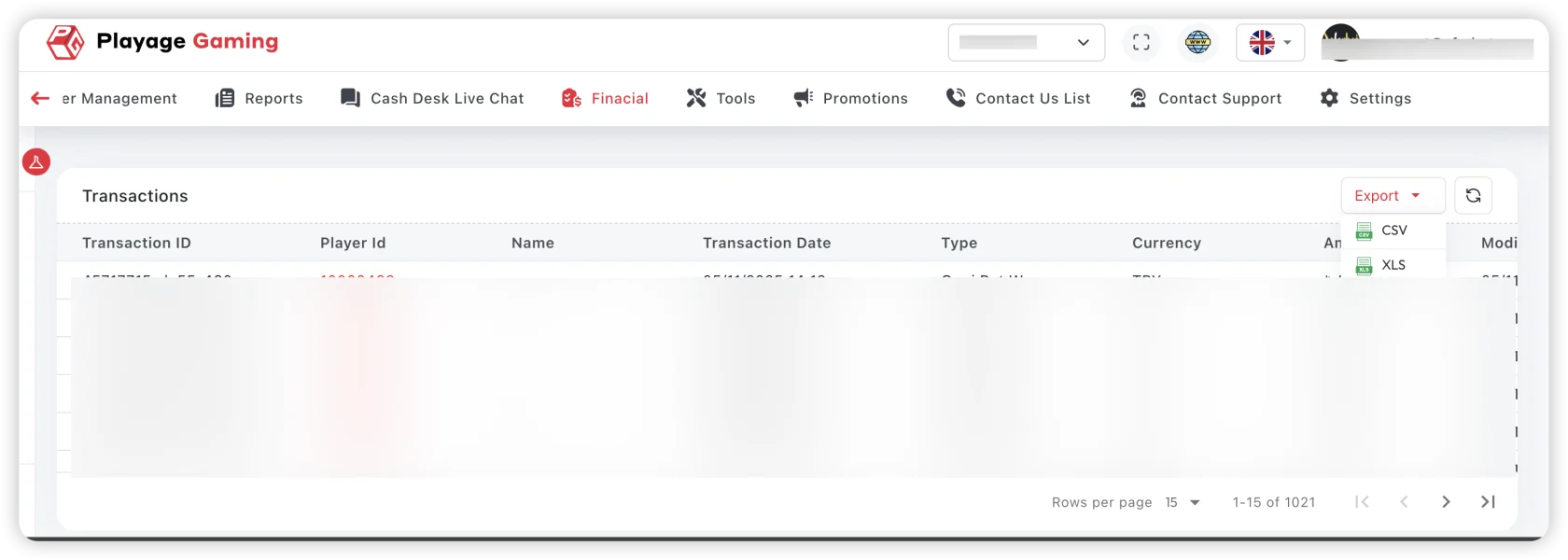
Purpose
- Provide a single operational view of finance transactions.
- Detect anomalies early (repeats, delays, unusual amounts).
- Support handover and escalation with traceable records.
Typical Workflow
- Open Operations > Financial Transactions.
- Apply date, transaction type, status, and currency filters.
- Sort by latest updates and pending age.
- Review high-value and failed items first.
- Export or tag records for escalation if required.
Key Fields to Validate
- Transaction ID / reference ID
- Type (deposit/withdrawal/adjustment)
- Status (success, failed, pending, reversed)
- Requested amount vs settled amount
- Updated timestamp and processor/source
Validation Checklist
- Pending queue is within allowed SLA.
- Failed ratio is within normal baseline.
- No sudden concentration from one method/provider.
- No duplicate transaction references.
Escalation Criteria
Escalate when:
- Pending transactions exceed operational SLA.
- Multiple high-value failures happen in short window.
- Same account triggers repeated abnormal pattern.
Troubleshooting
- Data appears stale: refresh and reapply filters.
- Missing transactions: check scope filters (date/currency/type).
- Status mismatch: verify settlement source update timing.
Best Practice
Use this page every shift start and shift end to maintain clean operational continuity.