
Deposit Requests
Use this page to process and monitor user deposit requests.
Interface Reference
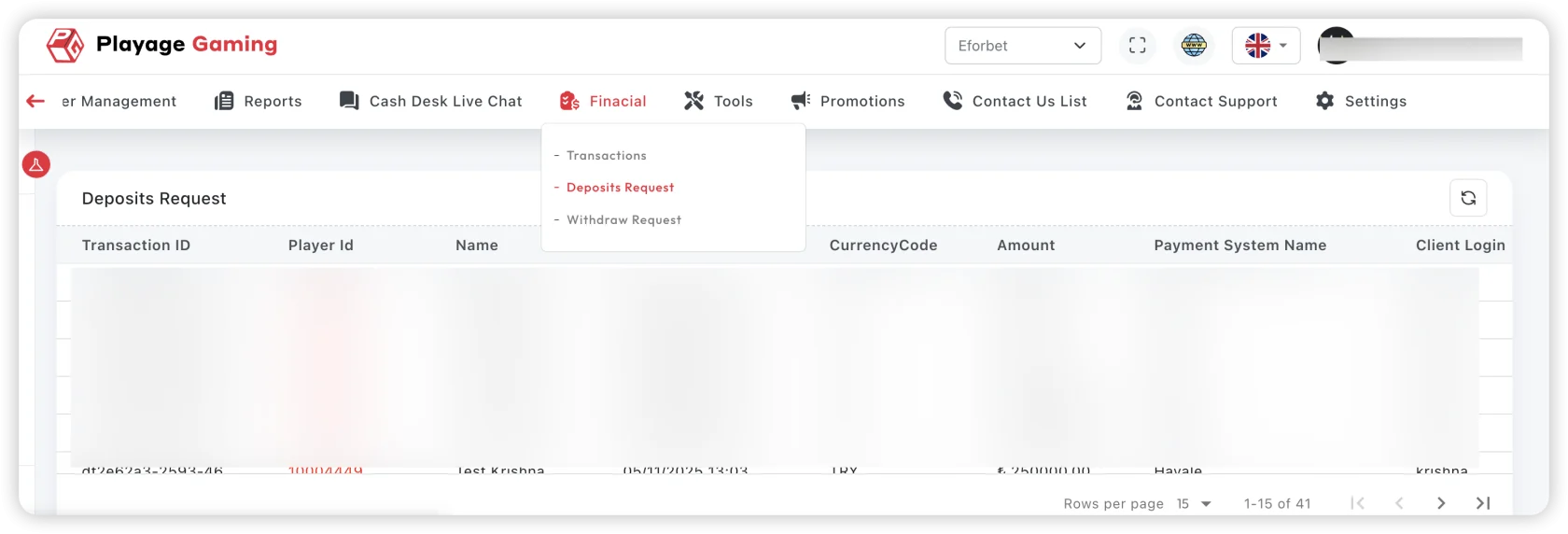
Purpose
- Track deposit request lifecycle from creation to settlement.
- Resolve pending and failed requests quickly.
- Reduce user wait time and support ticket load.
Request Lifecycle
Common statuses:
- Pending: awaiting gateway/processor callback or manual validation.
- Approved/Success: amount posted successfully.
- Failed/Rejected: request not completed.
- Reversed: settled then reversed due to correction/chargeback logic.
Steps
- Open Operations > Deposit Requests.
- Filter by status, payment method, date range, and user.
- Start with oldest pending requests.
- Check processor response/error code.
- Mark for retry/escalation when required.
- Export unresolved queue for shift handover.
What to Check Before Escalation
- User account status is active and verified.
- Payment method is enabled and healthy.
- Duplicate attempts are not caused by user refresh behavior.
- Requested and received amount mismatch is documented.
Troubleshooting
- High pending volume: verify payment gateway callback delays.
- Repeated failures on one method: check provider incident panel.
- Amount mismatch: validate fees/conversion rules.
Best Practice
Maintain a pending-age bucket (0-15m, 15-60m, 60m+) and resolve oldest first.