
Ticket System
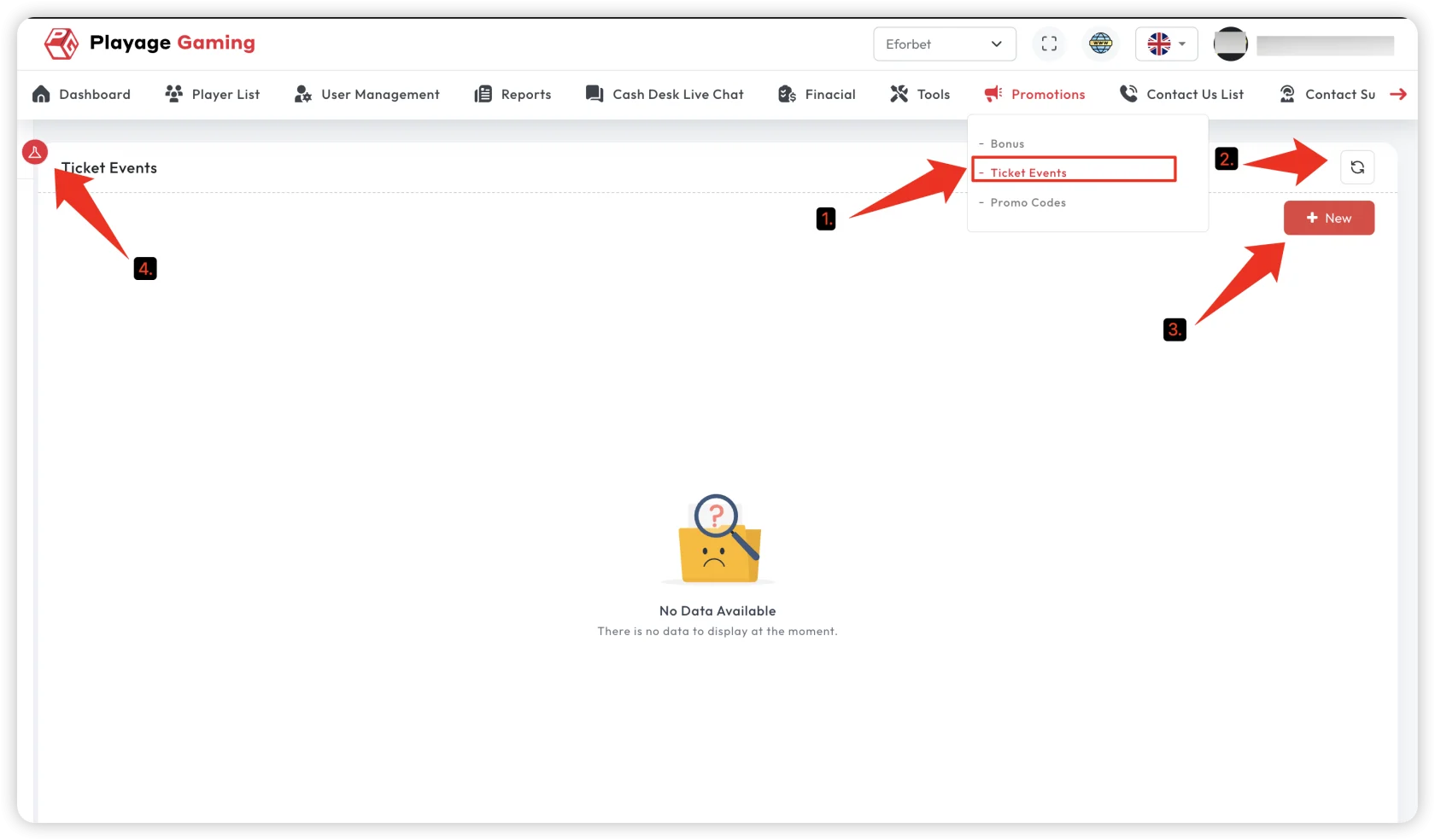
Source route: /promotion/ticket-system
Use this page to manage ticket-event campaigns with prize rules and distribution timing.
What You Can Do
- filter campaigns by active period, status, product type, currency, name, and ticket ID
- create or edit ticket events
- open ticket listing for one event
- open view-only mode for inspection
- trigger automatic rank assignment when the event is pending distribution
- change list status in the states where the source allows it
Status Model
The current source shows these ticket states:
activeinactiveinrunningpending_distributioncompleted
Important behavior:
- status badge changes are intended for
activeandinactive pending_distributioncan also expose a status-style action when price distribution is disabled- distribution generation is a separate action, not the same as normal status toggle
Distribution Action
When a row is pending_distribution, has ticket count, and priceDistribution is true, the list can expose a Generate action.
That action triggers automatic rank assignment for the ticket event.
Ticket Modal
The create/edit modal includes source-backed fields such as:
- active period start and end
- distribution amount date
- currency
- product type
- ticket generation mode
- wallet type
- total users
- amount trigger fields
- min odds
- verified-player-only and multiple-wins-allowed flags
- prize rules with rank ranges and percentages
Validation Rules That Matter
Before save, the source checks:
- total prize-rule percentage must equal
100 - the total number of ranked users across prize rules must exactly match
totalUsers
If either check fails, the event is blocked from saving.
When To Use This Page
- when the promotion distributes prize pools by rank
- when a campaign needs event-level listing and distribution control
- when promo logic is tied to tickets rather than bonus balances or code redemption
Listing Detail Follow-Up
The listing action opens /promotion/ticket-system/listing/{id}.
That route is not a separate menu page. It is the follow-up detail screen for one ticket event and is used to review:
- ticket number
- player ID
- username
- win amount
- rank
- verifier
- status
- created time
The filter sidebar there supports ticket number, player ID, username, and ticket status.
The action column appears only when the parent event is pending_distribution and priceDistribution is false. In that state:
- rows without rank show
Add Rank - rows with rank show
View Rank
Use this detail flow after opening one event's listing action to inspect ticket rows and manage manual rank assignment for eligible records.