
Player Login History
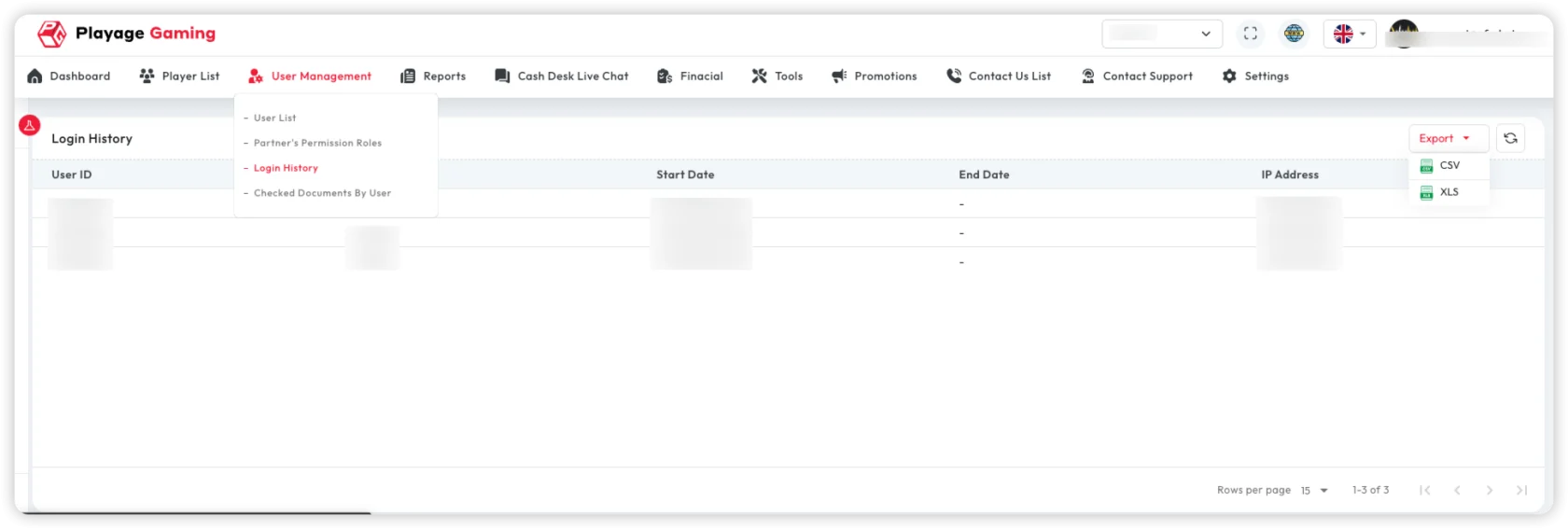
Source route: /reports/report-by-player-login-history
Use this report to audit player login sessions from a reporting perspective.
How This Differs From User Management Login History
This page is player-centric and belongs to Reports.
Use it when you need:
- player-level login analysis
- exportable report output tied to player identifiers
- filters around player ID, username, email, or IP
- quick cross-check into the player sidebar from report results
The User Management > Login History page is a different administrative log view.
Filters
The source filter sidebar supports:
- date and time range
- player ID
- username
- IP address
This is useful when investigating account-access behavior for a specific player or cohort.
Report Columns
The player login history report exposes fields such as:
- login date and time
- end time / logout time
- player ID
- username
- phone
- IP address
- source
- logout reason
Export
The page supports CSV and XLSX export.
The export payload keeps the report-oriented fields, including logout reason and player identifiers, so it is suitable for audit follow-up.
Player Cross-Check
Rows can open the player detail sidebar, which helps when login behavior must be checked alongside the player profile.
When To Use This Page
- when the question is about player access history as a report set
- when support or risk teams need exportable player-login evidence
- when you need to filter by email, IP, and player ID together
Best Practice
- keep timezone consistent when comparing login and logout events
- use the player sidebar to validate identity context before escalation
- use
User Management > Login Historyonly when the task is specifically about that admin-side module rather than the report route