
Partner Settings
Use this page to configure partner-level operational behavior and access boundaries.
Interface Reference
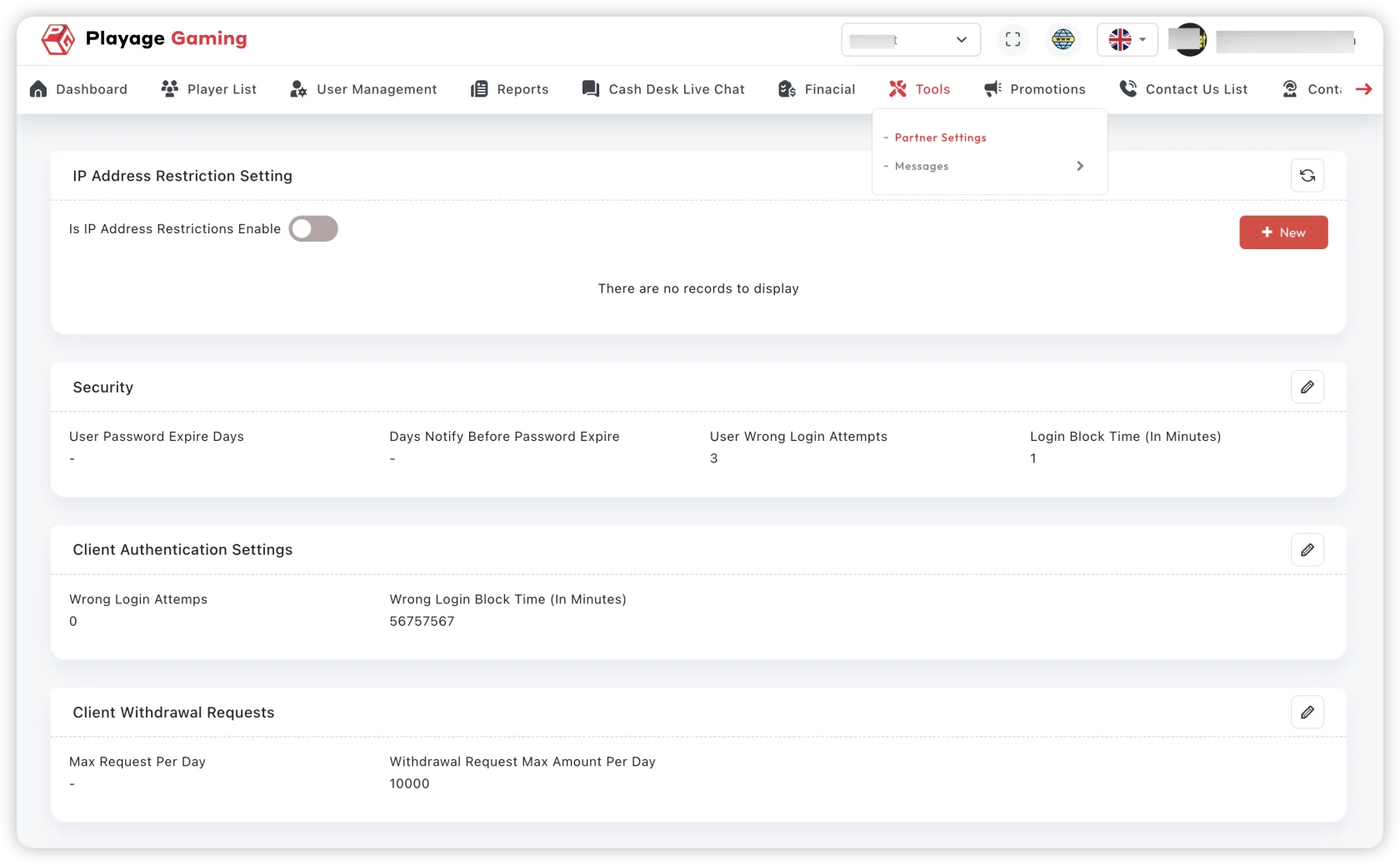
Purpose
- Manage partner configuration safely.
- Keep partner-specific settings aligned with policy.
- Prevent cross-partner scope mistakes.
Typical Configuration Flow
- Open System Configuration > Partner Settings.
- Select target partner entity.
- Review current settings before editing.
- Update only required fields.
- Save and run a quick validation test.
Critical Checks
- Correct partner selected.
- Region/currency/payment scope matches contract.
- Access boundaries do not overlap with other partners.
- Audit note/comment added for change context.
Troubleshooting
- Settings not applied: verify save confirmation and cache delay.
- Wrong partner behavior: confirm partner ID mapping.
- Unexpected permission effects: check role inheritance.
Best Practice
Use change tickets and versioned notes for every partner setting update.