
Email Template Management
Use this module to create and maintain transactional/system email templates.
Interface Reference
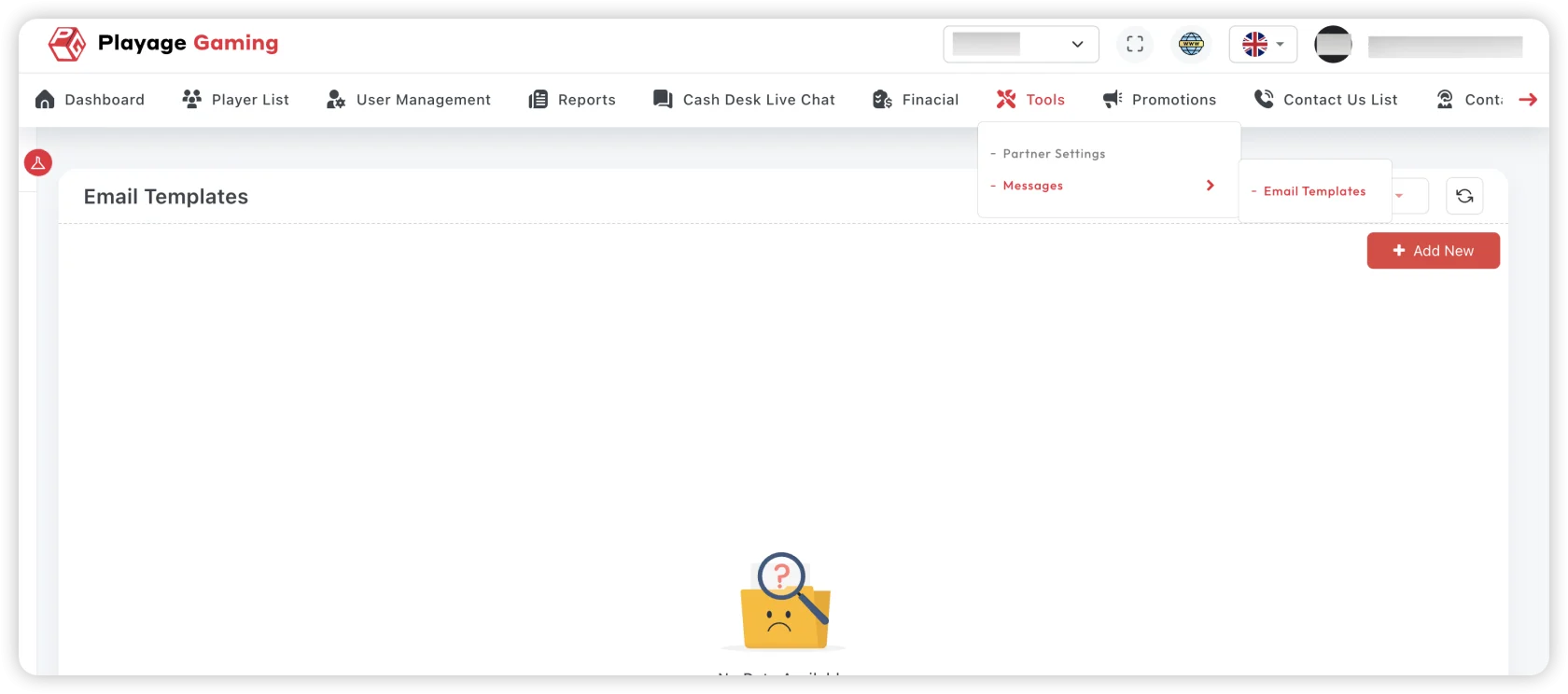
Purpose
- Standardize outgoing communication.
- Keep messaging consistent across flows.
- Control template quality and localization.
Template Lifecycle
- Draft template.
- Add variables/placeholders.
- Preview and test send.
- Approve and publish.
- Track and revise when needed.
Field Notes
- Subject: keep short and action-oriented.
- Body: use approved tone and placeholders only.
- Language: maintain EN/TR parity where required.
- Status: draft vs active must be explicit.
Validation Checklist
- Placeholders render correctly.
- Links route to expected environment.
- No hardcoded personal or environment-specific data.
Troubleshooting
- Broken variables: verify placeholder syntax.
- Wrong language output: check template-language mapping.
- No email delivered: confirm provider status and event trigger.
Best Practice
Keep a small set of reusable templates and avoid one-off duplicates.