
Checked Documents by User
This report tracks user-level access to sensitive player documents.
Document Access Screen
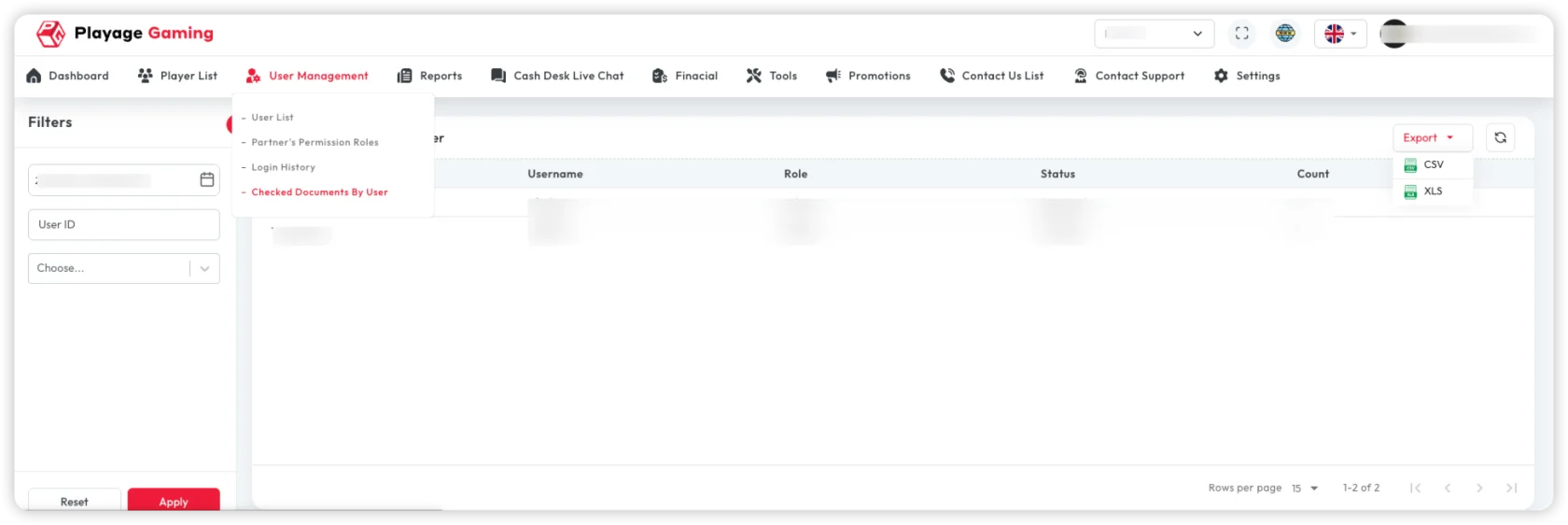
Available controls:
- User filter
- Document-type filter
- Date-range filter
- Export (CSV/XLS)
Reporting Workflow
- Select required date range.
- Filter by user or document type.
- Review access actions (viewed/downloaded/verified).
- Export report for audit or compliance team.
When to Use This Report
- Internal access-control review.
- Compliance checks on document handling.
- Investigation of unusual document access events.
Troubleshooting
- Report looks empty: Clear filters and rerun with wider date range.
- Export file missing rows: Verify active filters before download.
- Unexpected access entries: Cross-check with login history and role permissions.
Best Practice
- Use monthly exports for compliance archive.
- Review high-sensitivity document access with security team.