
Admin Profile Management
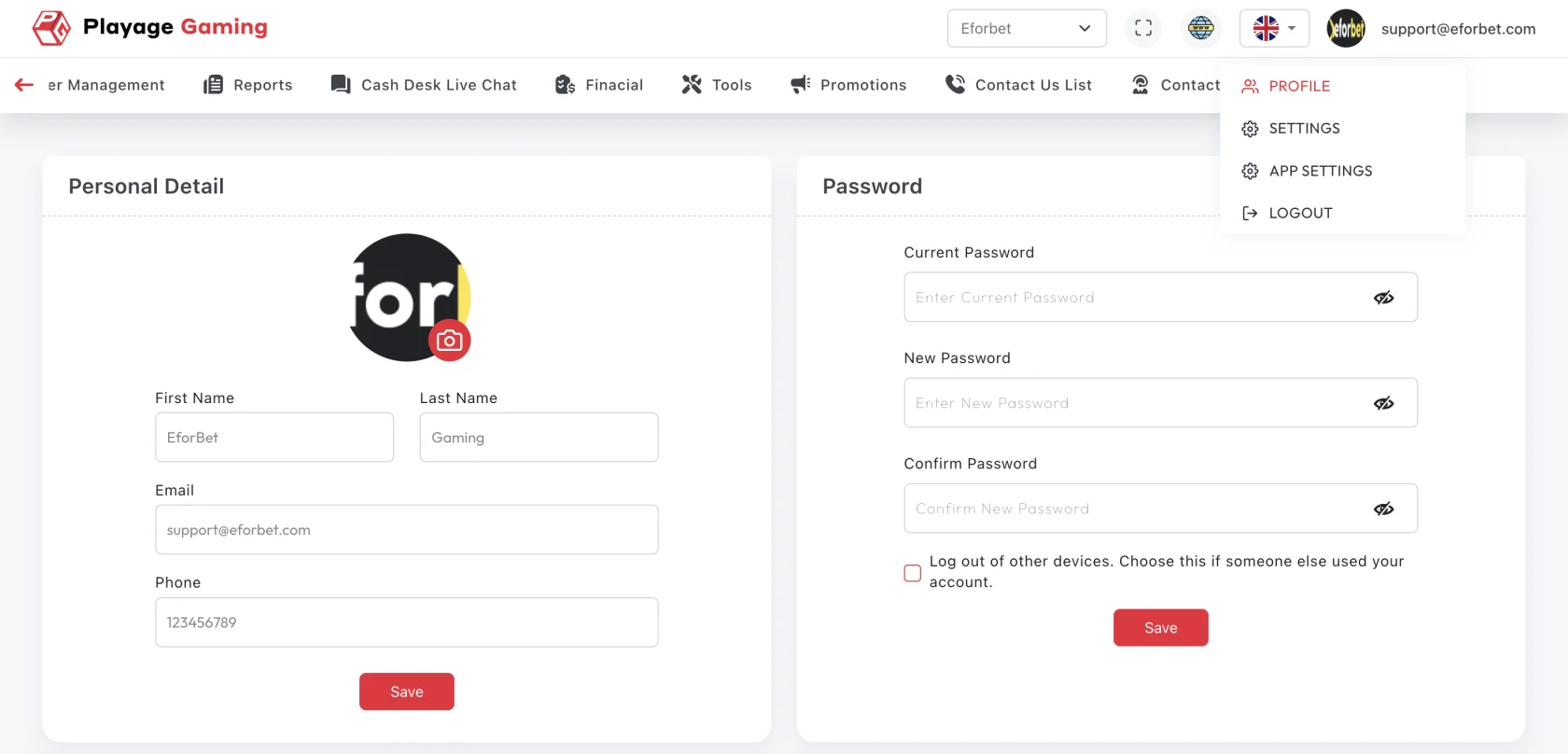
Use this page to maintain core admin account details and ensure profile data stays accurate.
Interface Reference
Purpose
- Keep admin identity and contact details up to date.
- Ensure account ownership and responsibility are clear.
- Prevent operational confusion caused by outdated profile data.
Typical Update Flow
- Open Admin Settings > Profile.
- Review current profile fields.
- Update editable fields (name, contact, optional metadata).
- Save changes.
- Re-open profile page to verify persistence.
Field Validation Checklist
- Display name follows internal naming policy.
- Contact details are reachable and active.
- Role/department labels are correct for audit context.
When to Update Profile
- Role or team change
- Contact change (email/phone)
- Ownership transfer for operational responsibilities
Troubleshooting
- Changes not saved: verify required fields and retry.
- Profile data reverted: check if another admin update overwrote changes.
- Read-only field confusion: confirm role permissions for editable fields.
Best Practice
Review profile data monthly for all high-privilege admin accounts.