
Contact Support
Use this page to manage non-real-time user issues and internal follow-ups via the support ticket system.
Interface Reference
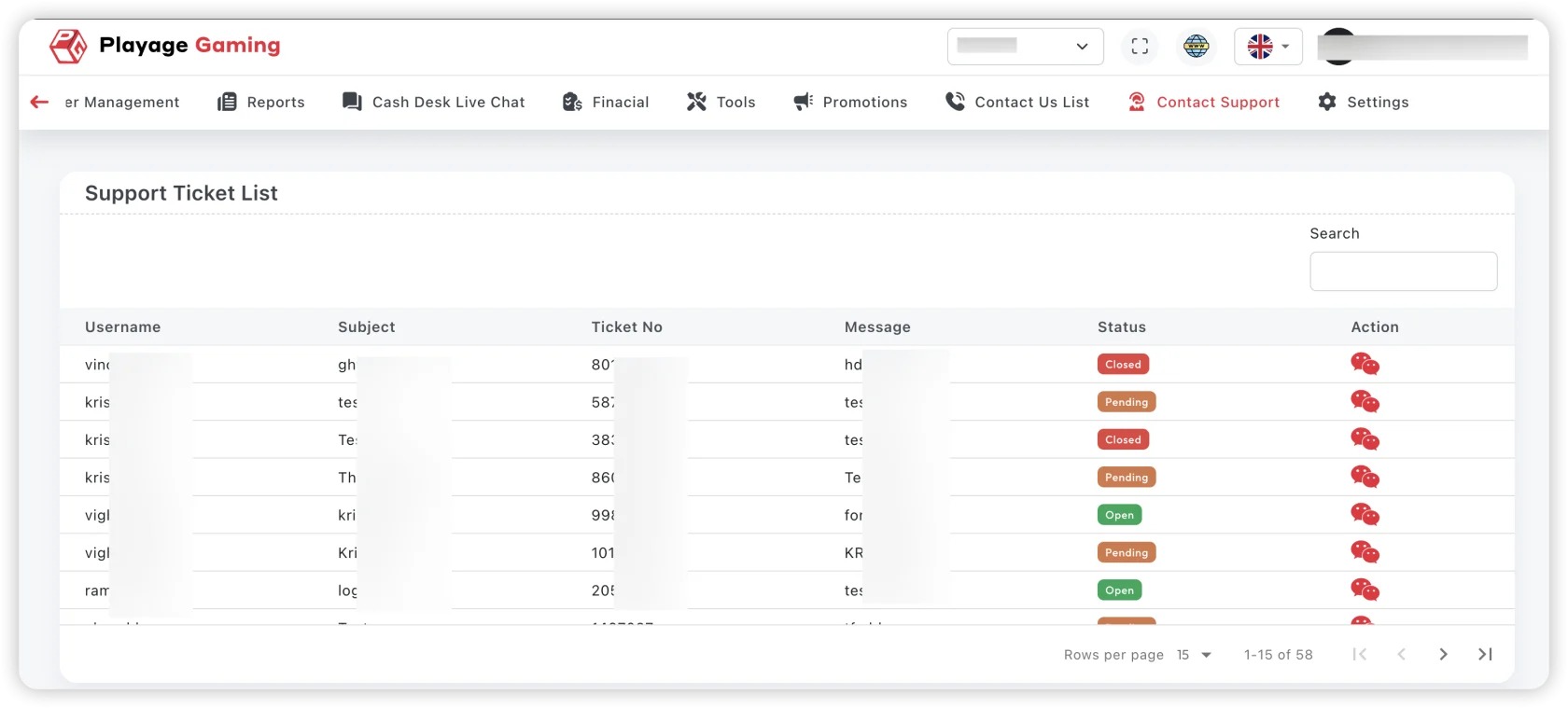
Purpose
- Track issues end-to-end with ownership.
- Ensure SLA compliance by status and priority.
- Maintain a documented audit trail of support actions.
Ticket Workflow
- Open: ticket received and unassigned.
- In Progress: agent accepted and is working.
- Waiting: waiting for user or other team response.
- Resolved/Closed: issue completed with resolution note.
Steps
- Open Support > Contact Support.
- Filter by status, priority, and queue.
- Assign ticket owner.
- Add resolution notes with references.
- Update status after each meaningful action.
SLA Checks
- First response within team SLA target.
- Resolution ETA updated for long-running cases.
- No stale tickets without owner.
Troubleshooting
- Ticket duplication: merge and preserve source references.
- Unclear issue: request minimum reproducible details.
- Repeated reopen: validate root cause, not only symptom fix.
Best Practice
Every closure note should include what was checked, what changed, and how it was validated.