
App Settings
Use this page to configure personal admin application preferences.
Interface Reference
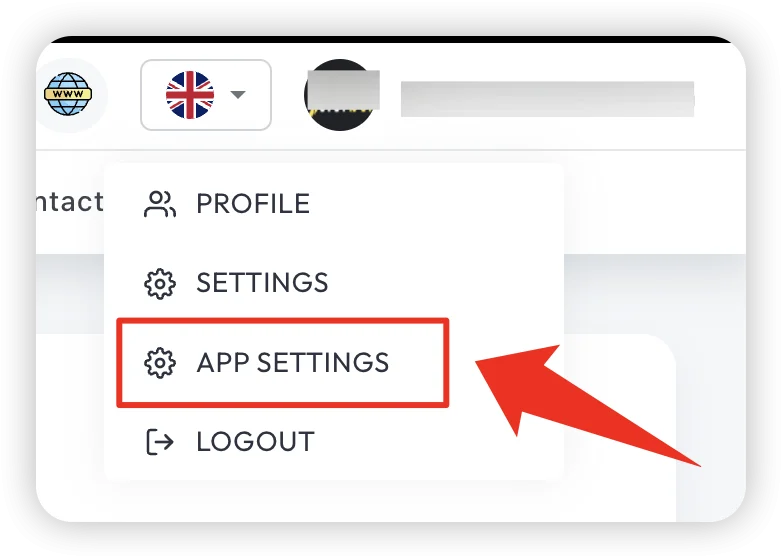
Purpose
- Improve daily usability without changing global system behavior.
- Keep personal preference settings consistent.
- Reduce navigation and handling friction during operations.
Common Settings Area
- Language preference
- Theme or display options
- Notification preferences
- Session behavior options (where allowed)
Update Flow
- Open Admin Settings > App Settings.
- Update required preferences.
- Save settings.
- Refresh page or re-login if prompted.
- Validate changes are applied.
Validation Checklist
- UI language/theme reflects saved values.
- Notifications follow selected preference.
- Settings persist after re-login.
Troubleshooting
- Settings reset after login: check profile sync or browser storage restrictions.
- Option not visible: role or feature flag may hide it.
- Unexpected behavior: clear cache and reapply settings.
Best Practice
Keep personal settings minimal and consistent to avoid shift-to-shift confusion.