
Contact Us List
Use this page to process inbound messages submitted via contact forms.
Interface Reference
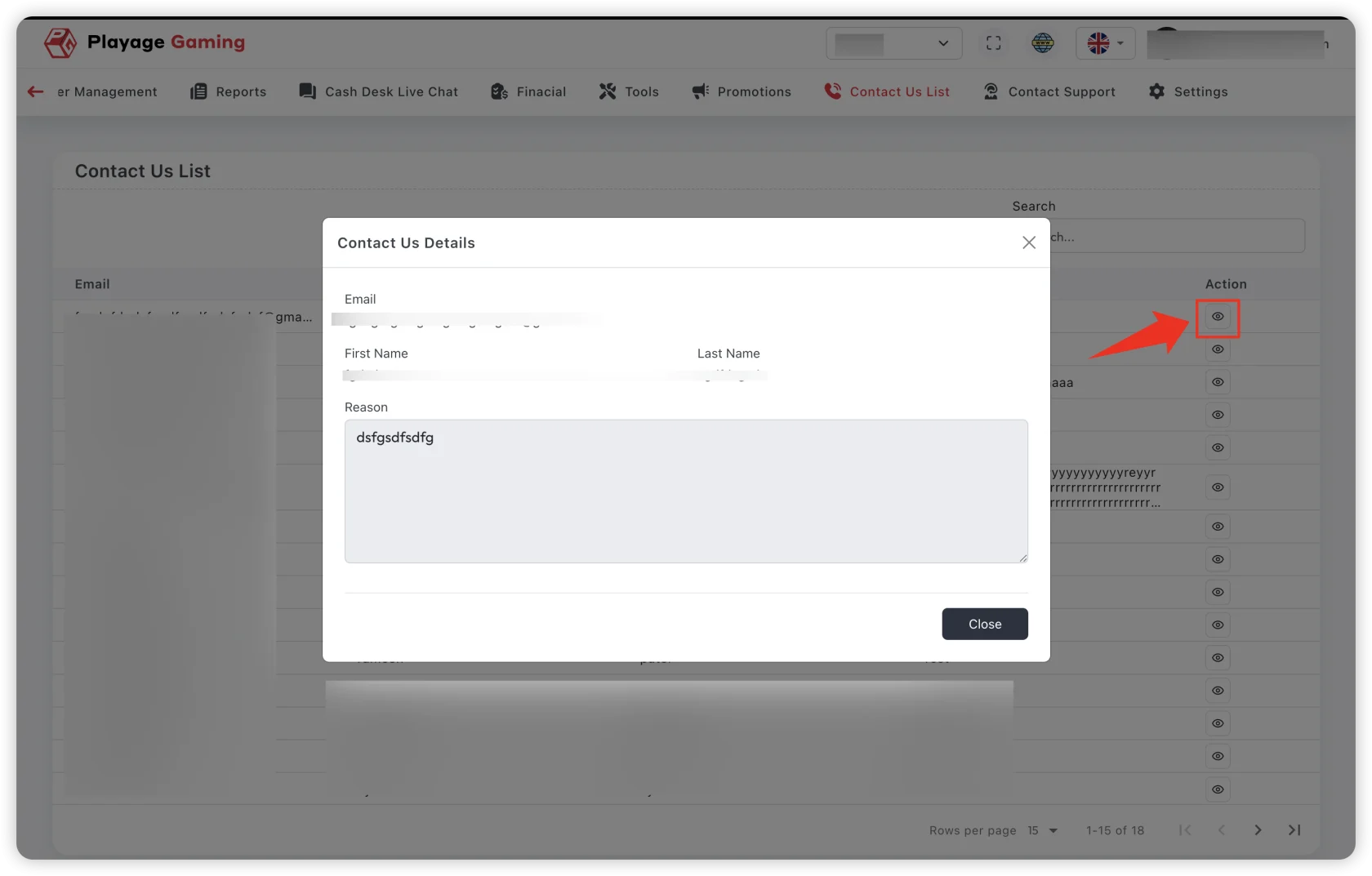
Purpose
- Capture and triage unsolicited inbound user communication.
- Route messages to the right operational queue.
- Prevent missed messages and response delays.
Triage Workflow
- Open Support > Contact Us List.
- Sort by newest and priority markers.
- Classify message (payment, account, technical, legal, other).
- Convert to ticket when action is required.
- Mark as handled and log reference.
Message Classification Guide
- Payment related: route to finance operations queue.
- Account/KYC: route to compliance or account support.
- Technical defect: route to support ticket + engineering follow-up.
- General inquiry: respond with approved template.
Data Hygiene Rules
- Remove duplicate spam entries.
- Keep user contact details masked where policy requires.
- Attach internal reference on every escalated item.
Troubleshooting
- Unassigned backlog growing: apply auto-tag and daily triage batch.
- Repeated same inquiry: publish FAQ response template internally.
- No response trace: ensure ticket mapping field is mandatory.
Best Practice
Run contact queue triage at fixed intervals (start, mid, end shift) instead of random checks.