
Daily Sales Report
Use this report for day-by-day revenue monitoring and quick operational checks.
Interface Reference
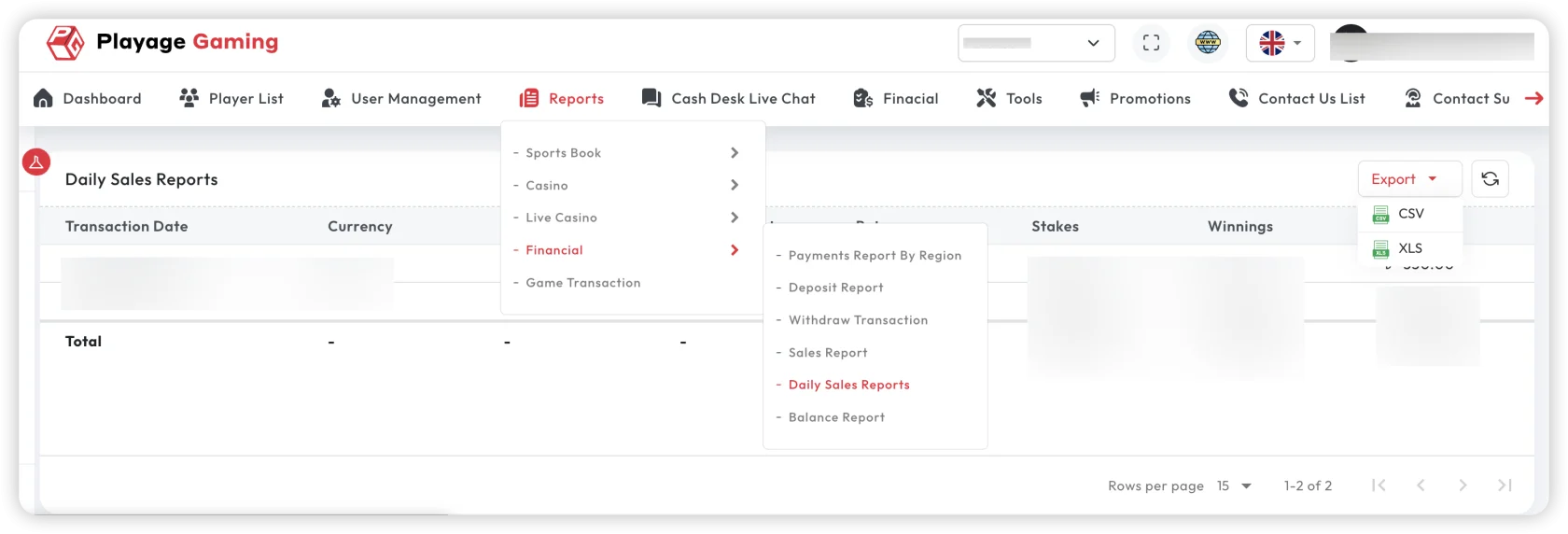
Purpose
- Track daily sales movement.
- Detect same-day anomalies fast.
- Validate if operations are aligned with expected targets.
Steps
- Open Financial Reports > Daily Sales Report.
- Select target date or short date window.
- Apply channel/provider filters.
- Review daily totals and variance vs previous day.
- Export day summary if needed.
Key Metrics
- Daily gross sales
- Daily net sales
- Daily transaction count
- Day-over-day change
Operational Usage
- Morning: verify prior-day closure health.
- Midday: check partial-day trend vs expected run rate.
- End-of-day: export final snapshot for internal handover.
Troubleshooting
- Large day-to-day swings: verify campaign, outages, or settlement delays.
- Daily total not final: check report cut-off and processing window.
- Missing channel: ensure filter includes all channels.
Best Practice
Use daily report for fast monitoring, then confirm with Financial Sales Report for strategic view.