
Player Document Management
This page is used to review uploaded player documents and take compliance actions.
Screen Layout
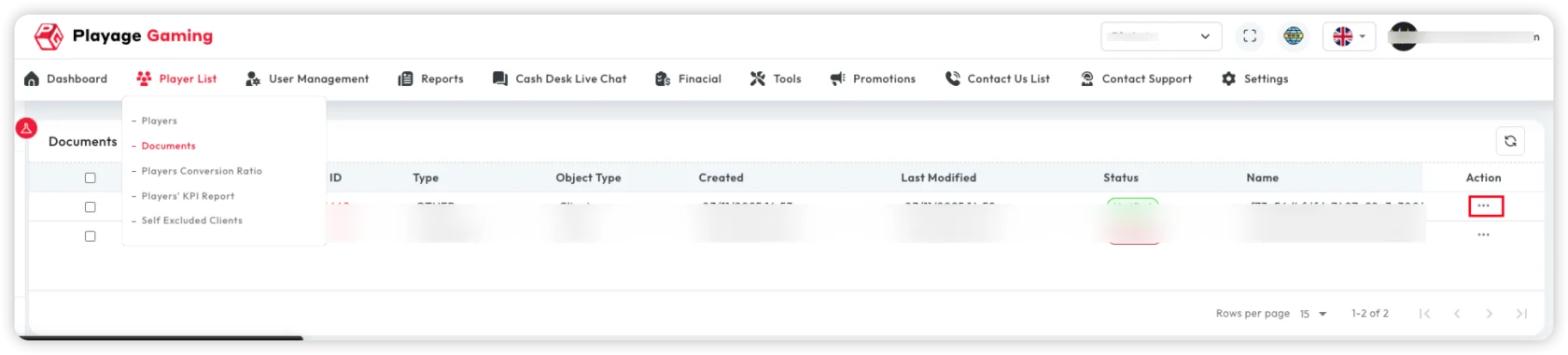
Core areas:
- Document list table
- Document status fields
- Action column with view/review options
Open Document Details
- Find target row in document table.
- Click View (eye icon) from actions.
- Review document details and metadata.
Document Preview and Actions
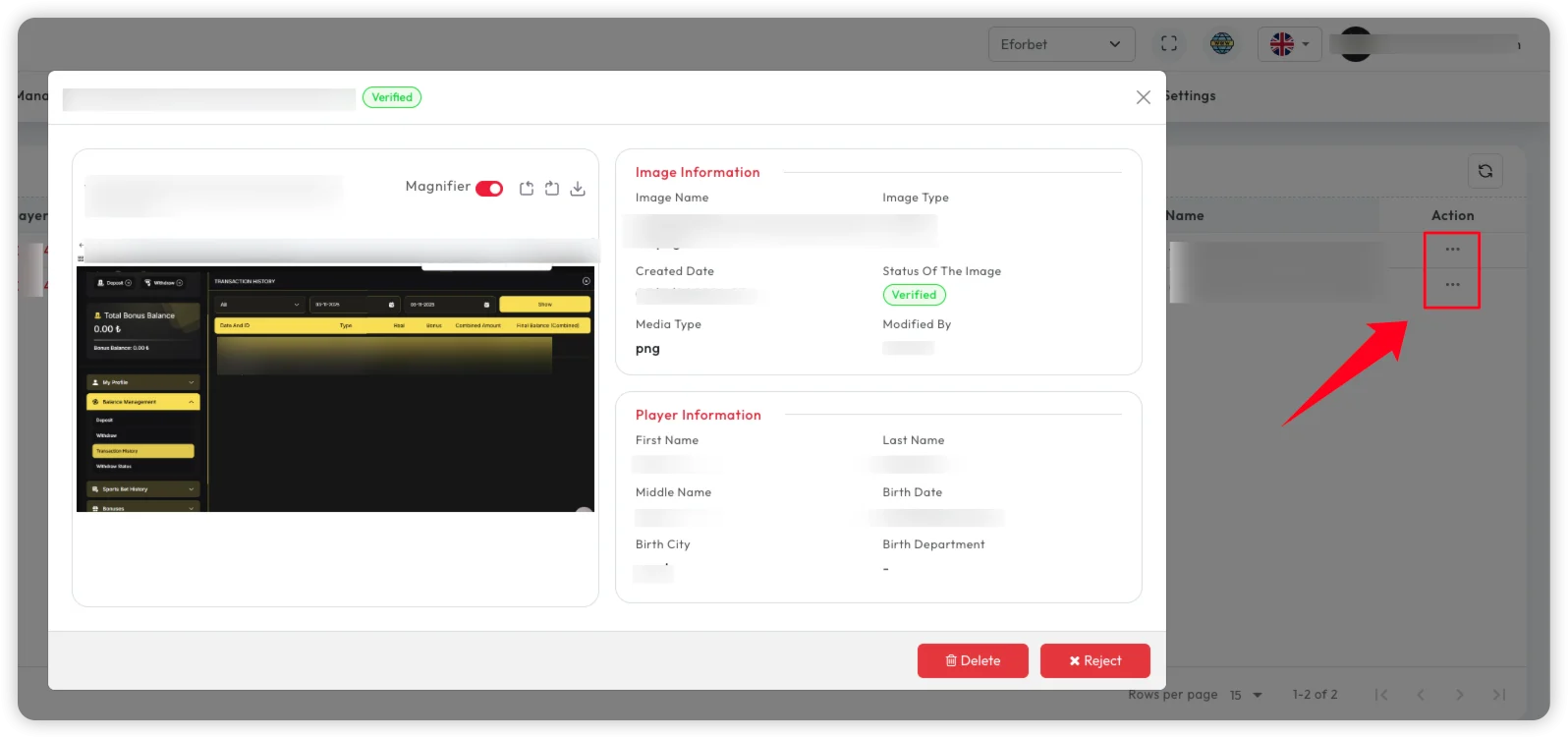
Possible actions (based on role/status):
- Verify/review details
- Reject document for re-verification
- Delete document (authorized roles only)
Typical Use Cases
- KYC verification checks
- Document quality and mismatch review
- Compliance review before approval
Troubleshooting
- View popup not opening: Check row permissions and retry after refresh.
- Status not updated: Confirm action saved and reload table.
- Wrong player document shown: Validate selected row and document ID.
Best Practice
- Use reject with clear reason for audit clarity.
- Restrict delete actions to limited admin roles.