
Player KPI Reporting
This page provides KPI-level player performance reporting in tabular format.
KPI Screen
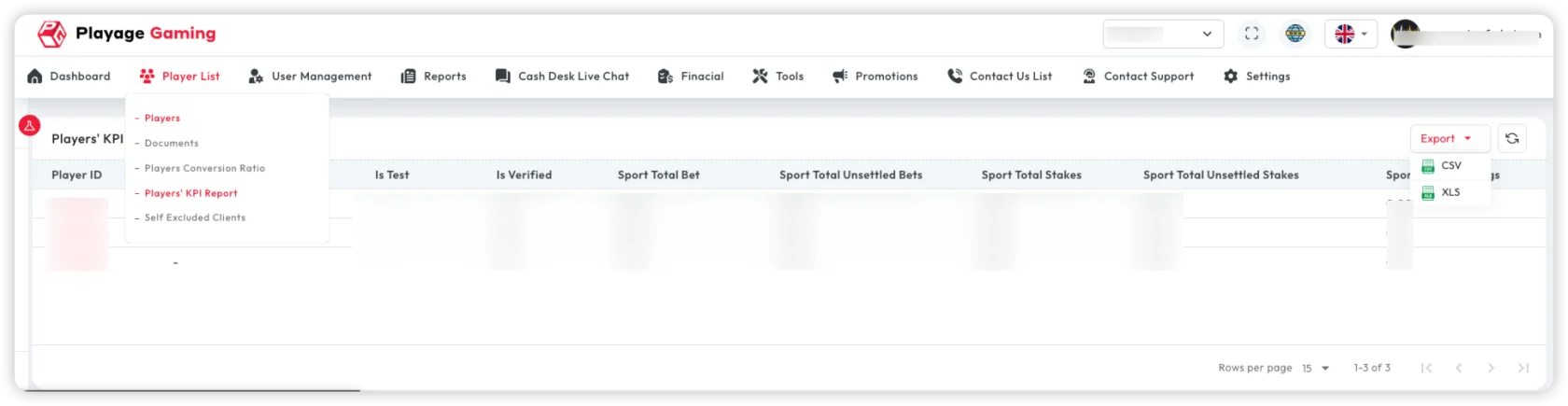
Common KPI data:
- Player identity and verification
- Betting totals and stake values
- Settled/unsettled metrics
- Multi-currency totals
Workflow
- Open KPI reporting page.
- Apply optional filters.
- Review KPI rows and outliers.
- Export report for analysis.
Export
- CSV for system-to-system usage.
- XLS for operations/finance review.
Typical Use Cases
- Verified player behavior comparison
- KPI trend review by period
- Internal analytics and performance packs
Troubleshooting
- KPI rows missing: Check verification/status/date filters.
- Slow report load: Reduce range and split queries by segment.
- Mismatch with dashboard totals: Confirm same time window and filters.
Best Practice
- Use consistent reporting windows for KPI comparisons.
- Keep export rights limited to analytics/admin roles.