
Self-Excluded Client Management
This page is used to manage responsible gaming self-exclusion cases.
Self-Exclusion Screen
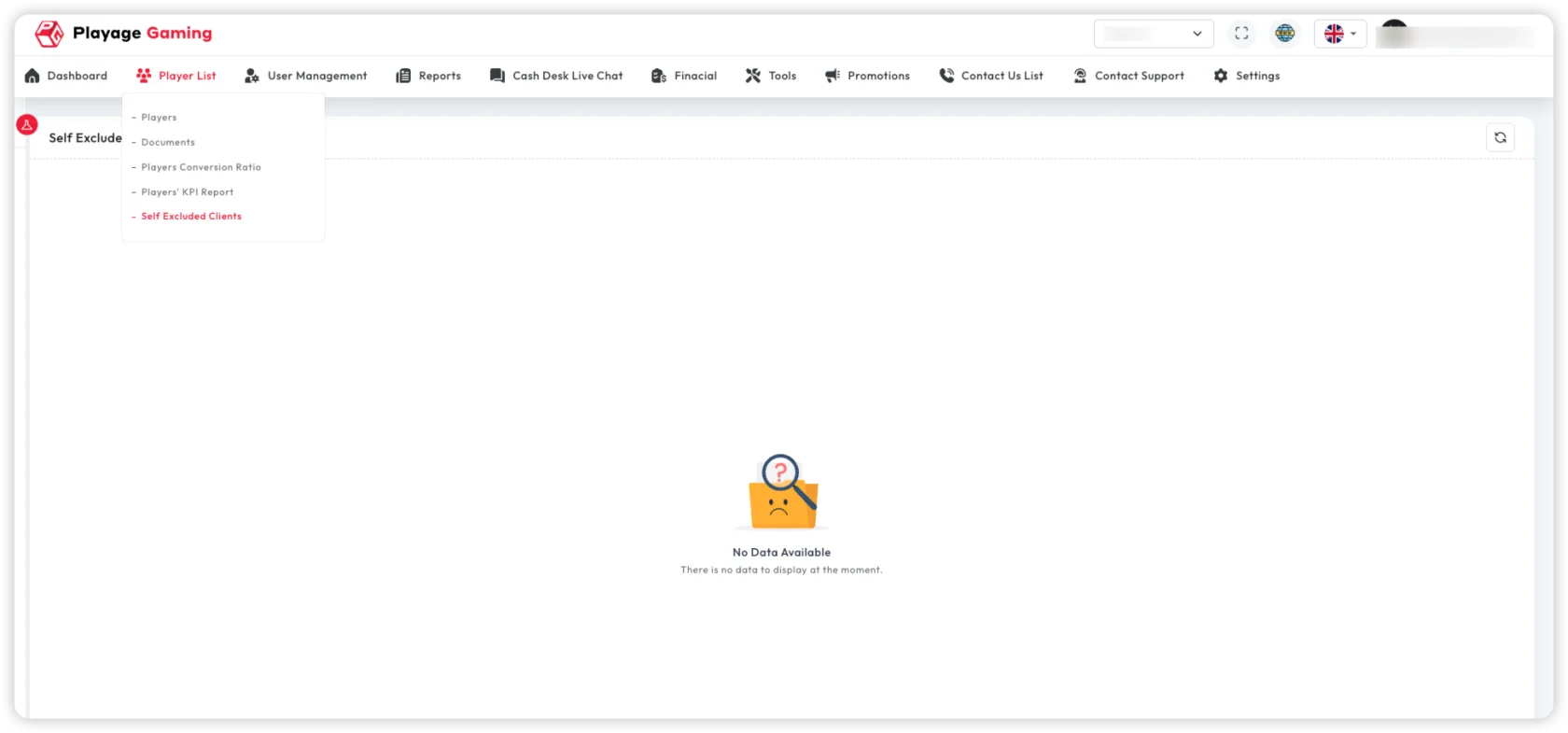
Main capabilities:
- View active and archived excluded clients
- Filter by user/type/period
- Track status and expiry timeline
- Export records for compliance review
Standard Workflow
- Open self-exclusion module.
- Apply filters for target case set.
- Review status, reason, and expiry timeline.
- Process reactivation only after policy checks.
Compliance Handling
- Keep complete audit trail for each case update.
- Apply role-based control for modification actions.
- Use dual approval where required by policy.
Troubleshooting
- Client still active after exclusion: Trigger sync and verify policy application.
- Case not visible: Expand filters and check status tab.
- Reactivation blocked: Confirm mandatory approvals are completed.
Best Practice
- Run periodic expiry reviews.
- Archive exports for regulatory audits.